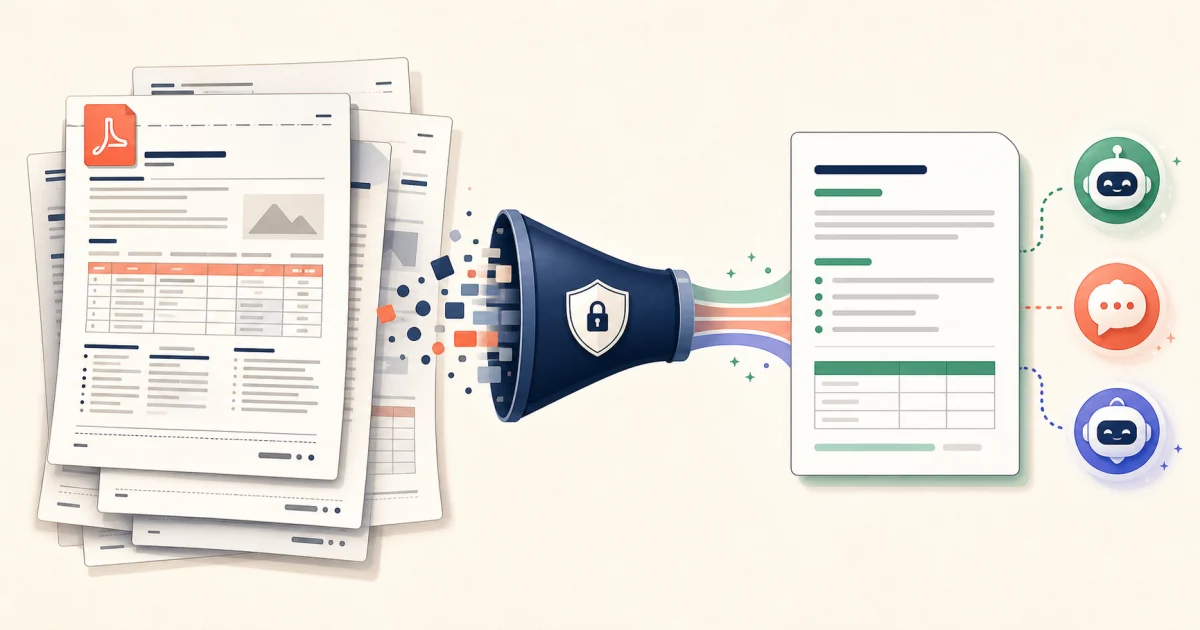
What does “optimize a PDF for an LLM” mean?
Optimizing a PDF for a large language model means turning the document into the smallest useful, clearly structured body of text for the question you want answered. It is not PDF compression: reducing megabytes does not necessarily reduce language-model tokens. The useful work is removing repeated layout text, restoring document structure, and excluding pages that cannot affect the answer.
This matters whether the destination is OpenAI ChatGPT, Anthropic Claude, Google Gemini, or an API-based workflow. All can work with documents, but sending an entire report when only six pages are relevant adds noise, makes verification harder, and may consume more input context than necessary.
PDF-to-LLM optimization workflow
The process is easiest to remember as five stages:
The first four stages prepare the evidence. The fifth tells the model what to do with it. Keeping those two responsibilities separate makes prompts easier to reuse and lets you inspect the source text before sharing it.
Why raw PDF text wastes tokens
A PDF stores a page presentation, not a clean article. Text extraction can recover every running title, confidentiality footer, printed page number, and broken column in reading order. A 40-page report may repeat the same header 40 times. A table that looks obvious on screen can become a loose sequence of values separated by spaces, leaving the model to reconstruct which value belongs to which heading.
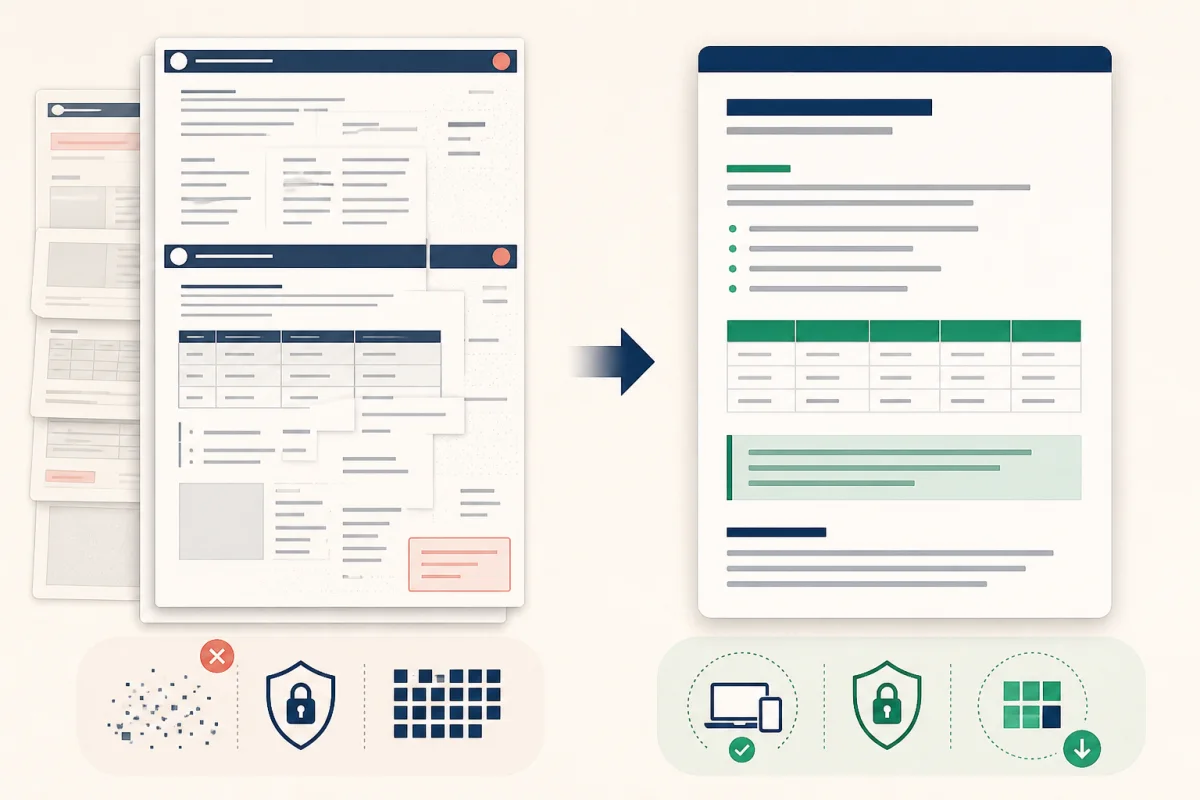
Before: duplicated layout fragments and broken tables. After: selected content with explicit hierarchy and a compact table.
Optimization removes that accidental text while preserving the content you will rely on. The result should be shorter, but “shortest possible” is not the goal. A missing exception clause is more expensive than a few extra tokens, so always review critical extractions against the original PDF.
How to optimize a PDF in three steps
Add a text-based PDF. Open the PDF to LLM Optimizer and choose a PDF up to 20 MB. The file is read locally in the browser. If the pages are scans with no text layer, run OCR elsewhere first.
Choose the right mode. Use Full Clean when the whole document matters. Use Smart Extract and enter your actual question when only some pages are relevant. Keep header/footer removal and Markdown table conversion enabled unless the repeated text itself is evidence.
Review, then copy. Compare the before-and-after token estimate, inspect which pages were kept, and spot-check names, dates, amounts, negatives, and table rows. Copy the fenced prompt or download the cleaned text, then paste it into your chosen model.
ChatGPT, Claude, and Gemini: which input should you use?
| Destination | Use optimized text when… | Keep the original PDF when… |
|---|---|---|
| ChatGPT by OpenAI | You need text extraction, comparison, summarization, or repeatable prompts. | The answer depends on embedded visuals or exact page appearance supported by your plan. |
| Claude by Anthropic | You want concise, structured context or need to reuse selected evidence across prompts. | Charts, graphics, or page-level visual relationships are part of the task. |
| Gemini by Google | The source is text-first and you want explicit Markdown structure for downstream work. | You need native document vision for diagrams, charts, tables, or layout. |
This is a task decision, not a model ranking. OpenAI lists PDF among ChatGPT's supported document formats; Anthropic documents PDF text and visual processing in Claude; and Google documents native PDF understanding in Gemini. Those product capabilities and limits change, so the sources at the end of this guide are the right place to confirm current behavior.
A reusable prompt for PDF analysis
Paste the optimized text after a task block like this:
Task: Extract every termination date, notice period, and penalty.

Rules:
- Use only the document below.
- Cite the source section or retained page marker for every claim.
- Preserve dates, currencies, percentages, and negations exactly.
- If the document does not answer something, write "Not found."
- Return a Markdown table with: item, value, source, confidence.

<document>
[paste optimized text here]
</document>
The boundaries prevent the document from blending into your instructions. The “not found” rule discourages the model from filling gaps, while the source column makes each answer easier to check against the original.
When you should not optimize the PDF
- Scans and handwriting: this tool has no OCR, so there is no reliable text layer to clean.
- Visual evidence: charts, engineering drawings, signatures, stamps, and spatial layout are lost in text extraction.
- Exact legal or financial review: use optimization for navigation and first-pass extraction, then verify every material claim against the original.
- Whole-document interpretation: Smart Extract intentionally drops pages. Use Full Clean if definitions, appendices, or cross-references anywhere in the document could change the answer.
Privacy: local preparation is only the first boundary
Toolsda performs extraction and cleanup in your browser, so the PDF is not uploaded to Toolsda. That is useful for examining the output and removing irrelevant material before disclosure. It does not make the next step private: once you paste the optimized text into an AI service, the provider's account settings, retention rules, workspace policies, and terms apply. Remove secrets and personal data you do not need to send, and follow your organization's approved-data policy.
PDF-to-LLM checklist
- Decide the exact question before selecting pages.
- Use Full Clean when omitted context could change the answer.
- Keep headings and lists; convert layout-driven tables to explicit Markdown.
- Check names, dates, units, currencies, percentages, footnotes, and negations.
- Retain the original PDF for visual evidence and final verification.
- Tell the model to cite its source and say when information is absent.
- Review the destination provider's current privacy and file-handling policy.
Sources and methodology
- OpenAI: supported file types in ChatGPT.
- OpenAI: file uploads FAQ — document-analysis behavior and current limits.
- Anthropic: documents supported by Claude — PDF text and visual processing.
- Google: Gemini document understanding — native PDF processing and best practices.
- Toolsda PDF to LLM Optimizer — the implementation described in the workflow above.
Frequently Asked Questions
What is the best PDF format for ChatGPT, Claude, or Gemini?
For text-first analysis, clean Markdown or plain text with headings, lists, and compact tables is usually easier to inspect and reuse than raw extracted PDF text. Keep the original PDF when the task depends on charts, diagrams, handwriting, page layout, or other visual evidence.
Can I reduce PDF tokens before uploading to an AI chatbot?
Yes. Remove repeated headers, footers, page numbers, blank layout fragments, and irrelevant pages. Converting space-aligned tables to Markdown can also make their structure clearer. The exact saving depends on the document and the model's tokenizer.
Does the optimized text work with ChatGPT, Anthropic Claude, and Google Gemini?
Yes. The result is ordinary structured text, so you can paste it into ChatGPT, Claude, Gemini, or send it as text in an API request. Model limits and product upload features vary, so check the provider's current documentation for production workflows.
Will PDF optimization preserve charts and images?
No. This workflow extracts and restructures the PDF's text layer. It does not preserve visual meaning from charts, diagrams, photographs, or scanned pages. Use the original PDF with a vision-capable model when those visuals are evidence.
Is my PDF uploaded to Toolsda?
No. Toolsda reads and processes the PDF in your browser. However, if you later paste the result into ChatGPT, Claude, Gemini, or another service, that text is then subject to that provider's privacy, retention, and data-control policies.
Can this tool optimize a scanned PDF?
Not yet. A scan is an image without an extractable text layer, so it needs OCR first. The tool detects likely scans and explains the limitation instead of returning an empty result.