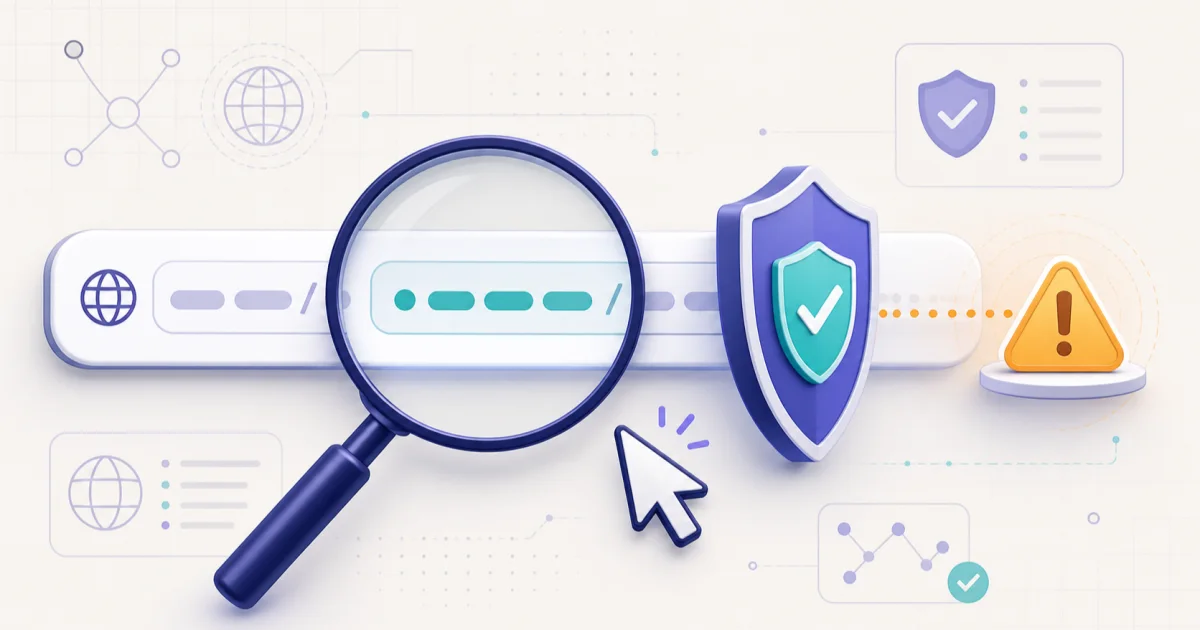
Link खोले बिना address copy करें
Mobile पर link को दबाकर रखें और Copy link चुनें। Open न करें। Computer पर status bar या Copy link address इस्तेमाल करें।
असली hostname देखें
Spelling, extra words, unusual subdomain, shortener और punycode जैसे संकेत देखें। Brand नाम URL में कहीं भी लिखा होना पर्याप्त नहीं है।
Official रास्ते से verify करें
Bank, courier या government message हो तो link के बजाय official app खोलें या known address खुद type करें। OTP, password या payment की urgency बड़ा warning sign है।
अक्सर पूछे जाने वाले सवाल
क्या HTTPS का मतलब link safe है?
नहीं। HTTPS connection encrypt करता है, लेकिन website चलाने वाला ईमानदार है यह साबित नहीं करता।
Long URL में असली domain कैसे पहचानें?
https:// के बाद और अगले slash से पहले hostname देखें। company-name.example.com में control example.com के पास होता है।
Safe result क्या guarantee देता है?
नहीं। Checker सामान्य risk pattern बताता है; नया phishing domain साफ दिख सकता है। Sender और काम को अलग से verify करें।