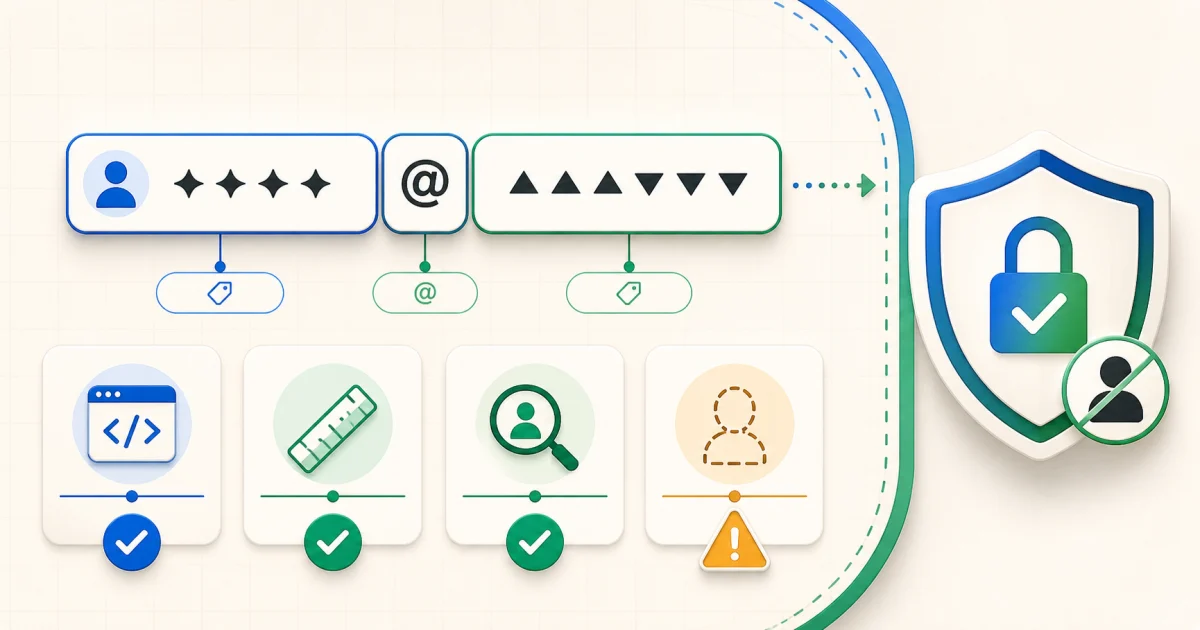
The short answer
Paste the address into the UPI ID Checker. It checks the separator, prefix, length, known handle and common test or placeholder patterns locally. Then open your trusted UPI app through its normal pay flow and compare the complete UPI ID and resolved beneficiary before authorizing anything.
How to validate a UPI ID—6 checks
- Confirm the complete address. Compare every character on an independent invoice, official profile or message thread.
- Check the structure. A typical VPA contains a prefix, one
@separator and a handle. - Inspect the handle spelling. Lookalike suffixes can imitate familiar bank or app handles.
- Review local warnings. Placeholder words, impossible lengths or disallowed characters deserve attention.
- Resolve the beneficiary in your UPI app. Compare the banking name shown before the PIN screen with the person or merchant you intend to pay.
- Stop if anything differs. Contact the recipient through a trusted channel instead of accepting a replacement ID from an unsolicited caller.
What the UPI ID Checker actually checks
| Check | Useful for | Cannot prove |
|---|---|---|
| Format | Missing @, empty parts, invalid characters | That the address is issued or active |
| Length | Obviously incomplete or oversized input | Who controls the VPA |
| Known handle | Recognized routing pattern and likely association | The user's underlying bank or trustworthiness |
| Placeholder warning | Common demo, fake or test patterns | Whether an unfamiliar address is fraudulent |
UPI ID checker vs UPI scam checker
Use the ID checker for one plain VPA and its structure. Use the
UPI ID & QR Code Safety Checker when you have a QR image or
upi://pay link and need to inspect the payee, amount, note and “scan to receive” warning signs. Neither
tool replaces confirmation in your bank or UPI app.
Related UPI tools and guides
Sources and methodology
- NPCI: UPI FAQs — UPI IDs, registration and payment safety fundamentals.
- NPCI: About UPI — virtual payment addresses and participants.
- Google Pay: Create or find your UPI ID — UPI ID management and multiple routing IDs.
Frequently Asked Questions
Can I verify a UPI ID without sending money?
You can inspect its format and known handle without sending money. Some authorized UPI app flows may resolve the beneficiary name before authorization; use that app-displayed information and do not enter a PIN merely to test an unknown request.
Does a green result prove the UPI ID exists?
No. It means the text passed the checker's local rules. The tool does not query NPCI or bank records and cannot confirm existence, ownership or account status.
What is the handle in a UPI ID?
The handle is the suffix after @, such as a bank or PSP routing pattern. It may indicate the payment service arrangement, but not necessarily the bank where the user's underlying account is held.
Is a known handle always safe?
No. A scammer can use a real UPI account with a familiar handle, and a typo in the prefix can point elsewhere. Always compare the complete UPI ID and beneficiary resolved by your app.
Should I enter my UPI PIN to verify an ID?
No. A UPI PIN authorizes a debit. Never enter it to receive money, unlock a refund, reveal an account name or perform a supposed verification.